> ## Documentation Index
> Fetch the complete documentation index at: https://docs.commert.com/llms.txt
> Use this file to discover all available pages before exploring further.
# Products Overview in Commert Admin
The Products domain is where you manage all your products, their variants, and the different ways to organize them, such as categories and collections.
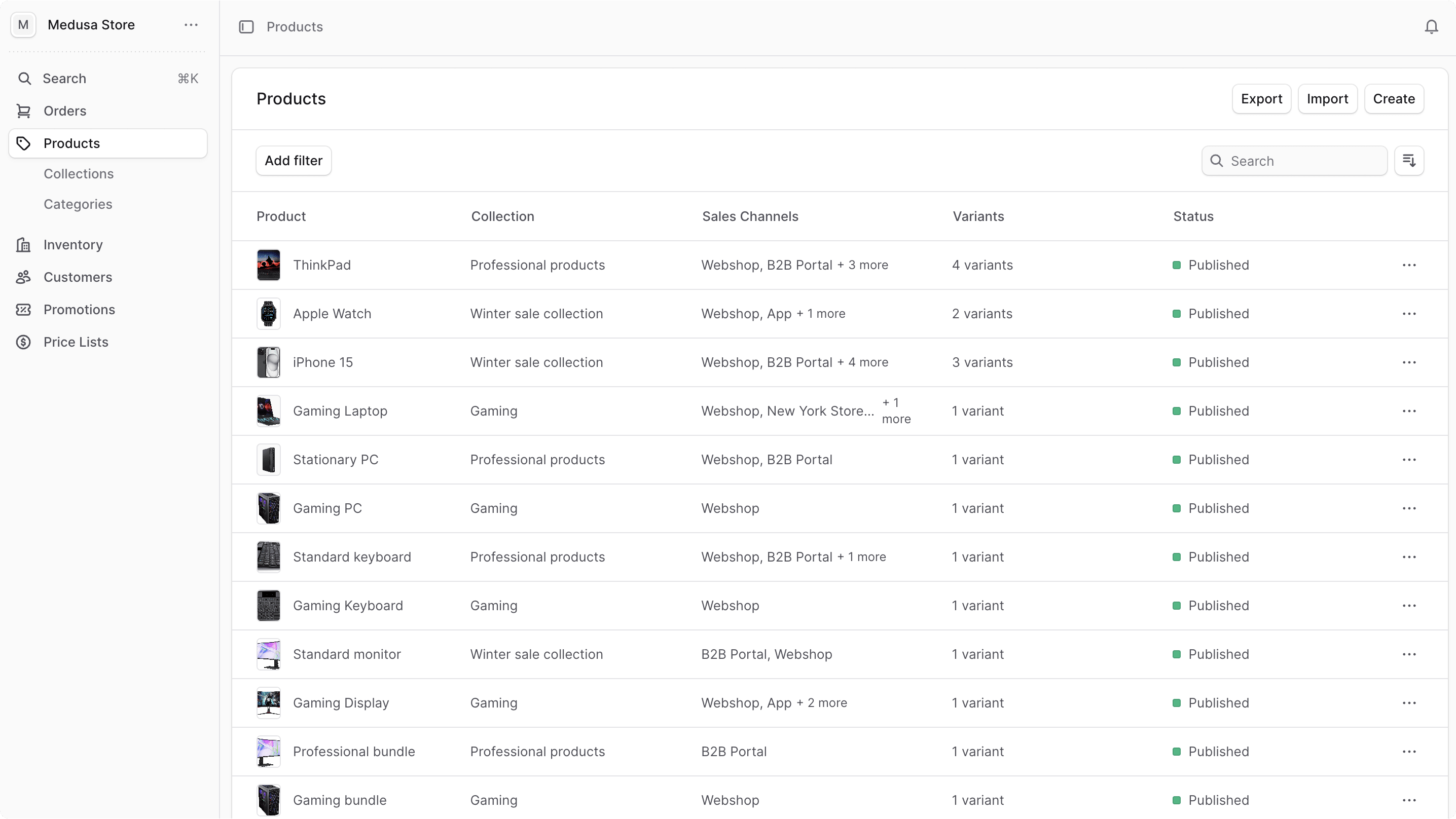
You can view the list of available products in your commerce store by clicking on Products from the sidebar menu.
In the list, you can see product details such as the title, collection, status, and more. You can also search, filter, and sort the products to find the specific order you are looking for.
Find tips to use lists effectively in [this guide](/tips/lists).
 ***
## Manage Products
* [Create Product](./products/create)
* [Edit Product](./products/edit)
* [Manage Variants](./products/variants)
* [Manage Categories](./products/categories)
* [Manage Collections](./products/collections)
* [Export Products](./products/export)
* [Import Products](./products/import)
You can also manage other product-related data under Settings:
* [Manage Product Tags](../settings/product-tags)
* [Manage Product Types](../settings/product-types)
***
## Manage Products
* [Create Product](./products/create)
* [Edit Product](./products/edit)
* [Manage Variants](./products/variants)
* [Manage Categories](./products/categories)
* [Manage Collections](./products/collections)
* [Export Products](./products/export)
* [Import Products](./products/import)
You can also manage other product-related data under Settings:
* [Manage Product Tags](../settings/product-tags)
* [Manage Product Types](../settings/product-types)