

Segment Customers with Customer Groups
A customer group is a way to segment your customers based on certain criteria. You can use customer groups to apply promotions or offer different pricing. For example, you can create a VIP customer group and offer them a 10% discount on all products. You can also create a wholesale customer group and offer them products at a discounted price for large orders.View List of Customer Groups
To view all customer groups, go to the Customers → Customer Groups page. From here, you can see a list, filter, and search through all customer groups.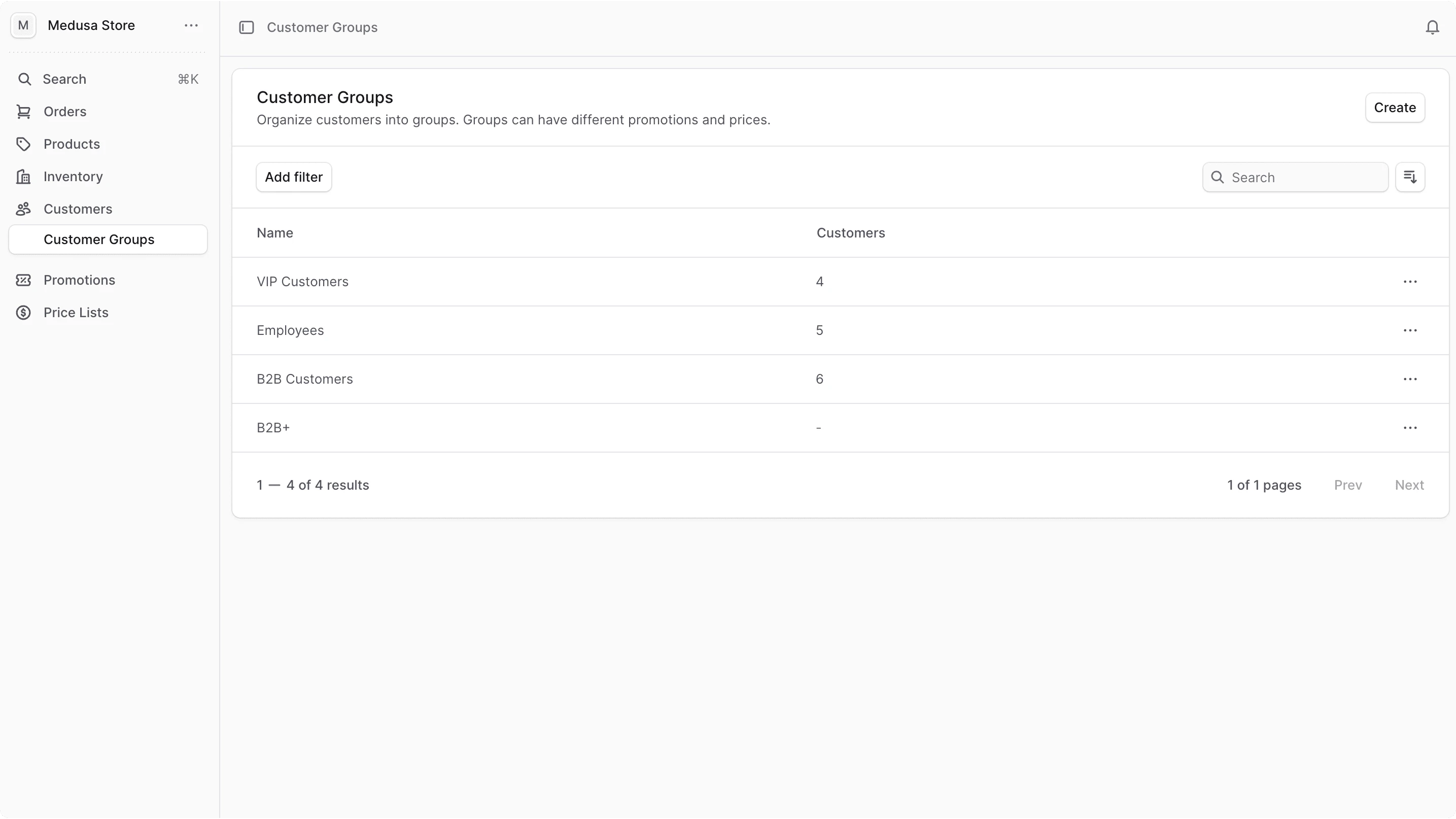
Create a Customer Group
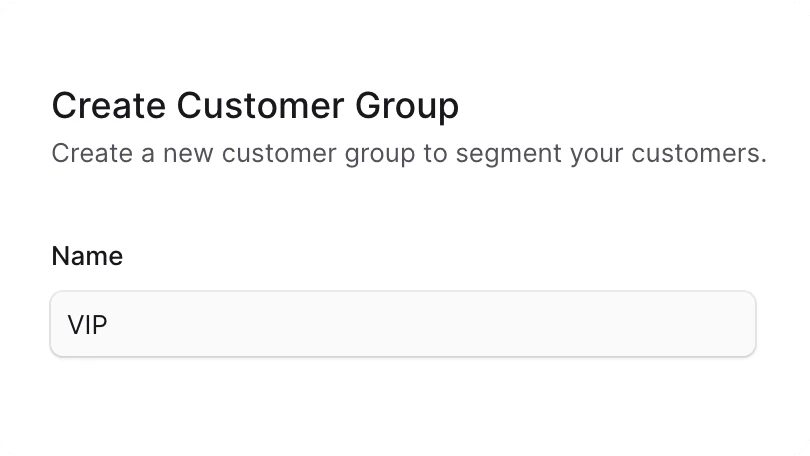
To create a customer group:- Go to the Customers → Customer Groups page.
- Click the Create button.
- In the form that opens, enter the customer group’s name.
- Click the Create button.
View Customer Group Details
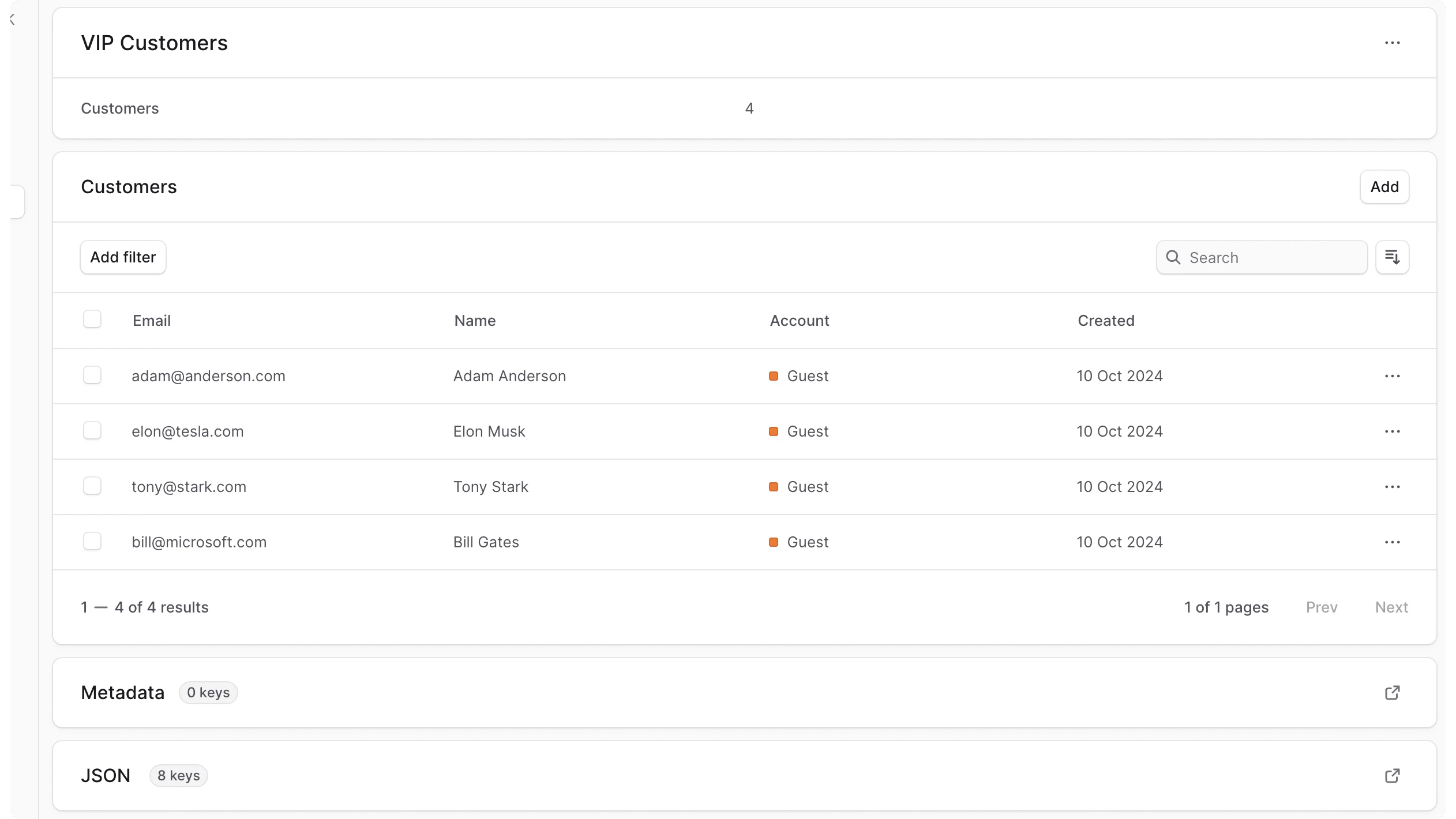
To view the details of a customer group:- Go to the Customers → Customer Groups page.
- Click on the group you want to view.
Edit a Customer Group
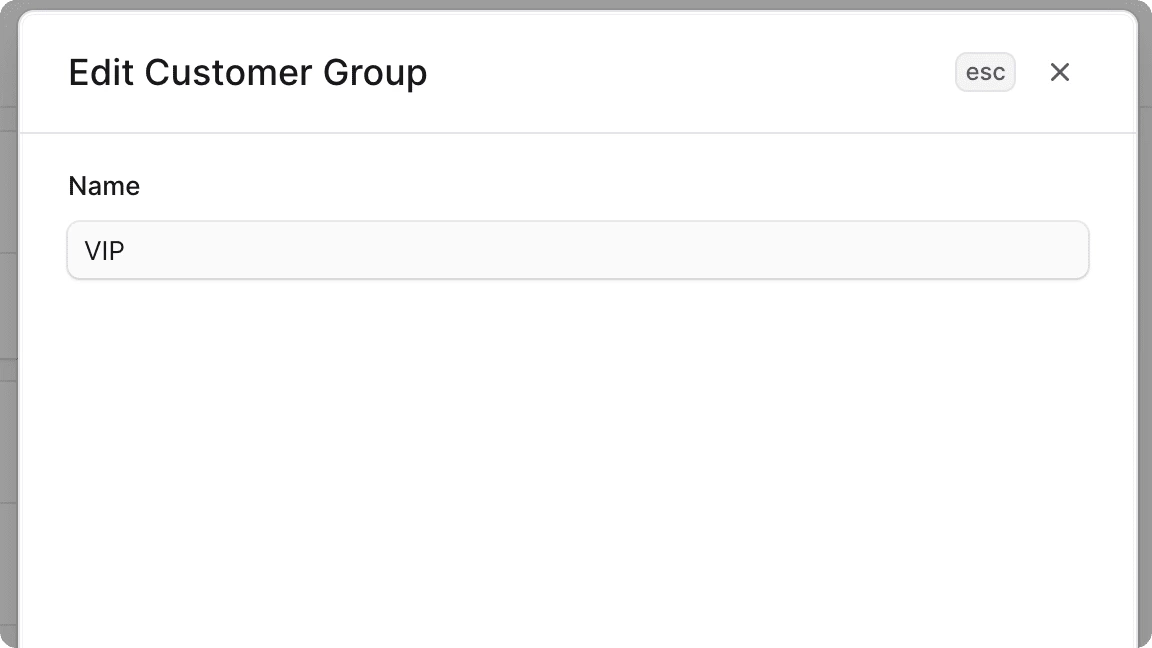
To edit a customer group:- Go to the customer group’s details page.
- Click on the icon at the top right of the first section.
- Click on Edit in the dropdown.
- In the side window that opens, you can edit the customer group’s name.
- Once you’re done, click on the Save button.
Manage Customers in a Group
A customer group can have multiple customers. You can add or remove customers from a customer group.Add Customers to a Group
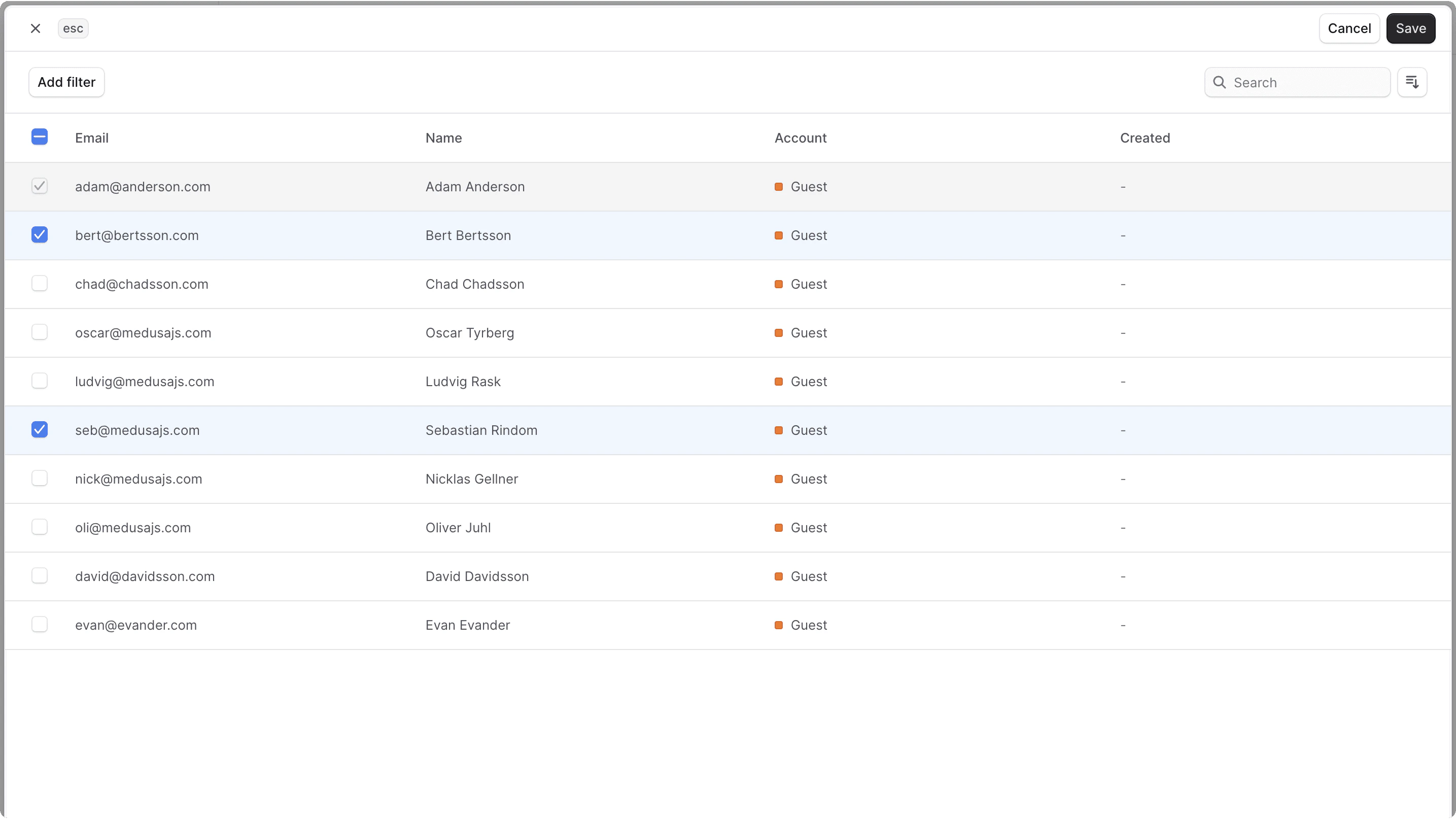
To add customers to a customer group:- Go to the customer group’s details page.
- In the Customers section, click the Add button at the top right.
- Check the customers you want to add to the group.
- Once you’re done, click on the Save button.
Remove a Customer from a Group
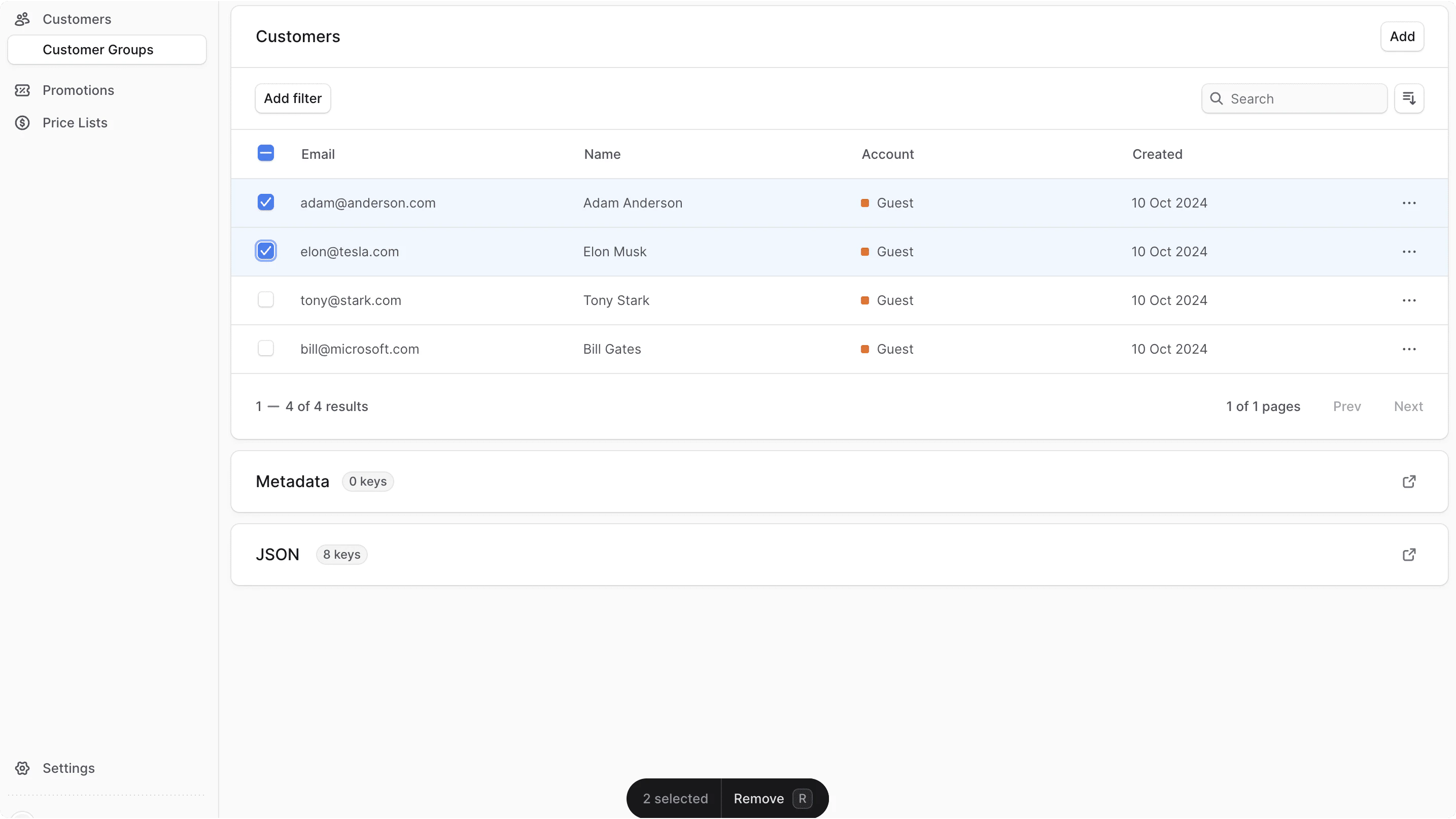
To remove customers from a customer group:- Go to the customer group’s details page.
- In the Customers section, check the customers you want to remove from the group.
- Once you’re done, either press
Ror click Remove at the bottom center of the page. - Confirm removing the customers by clicking the Continue button in the pop-up.
Edit Customer Group Metadata
Metadata is custom data that can be associated with the customer group in key-value pairs. This is usually used by developers for custom integrations or to store additional information about the customer group. To edit the customer group’s metadata:- Go to the customer group’s details page.
- Click the icon at the right of the “Metadata” section.
- In the side window that opens:
- Manage the key-value pairs in the table.
- To add a new row of key-value pairs before or after a row:
- Hover over the row and click the icon at its right.
- Choose “Insert row above” or “Insert row below” from the dropdown.
- To delete a row of key-value pairs:
- Hover over the row and click the icon at its right.
- Choose “Delete row” from the dropdown.
- Once you’re done, click the Save button.
Delete Customer Group
Deleting a customer group is irreversible. It doesn’t delete the customers in the group.
- Go to the customer group’s details page.
- Click the icon at the top right of the first section.
- Choose Delete from the dropdown.
- Confirm deleting the customer group by clicking the Delete button in the pop-up.