View Profile Details
To view your profile details, go to Settings → Profile. You can alternatively click on your name at the bottom right of the sidebar, and choose “Profile settings” from the menu. In your profile details page, you can view your profile information such as your name, email, and language settings.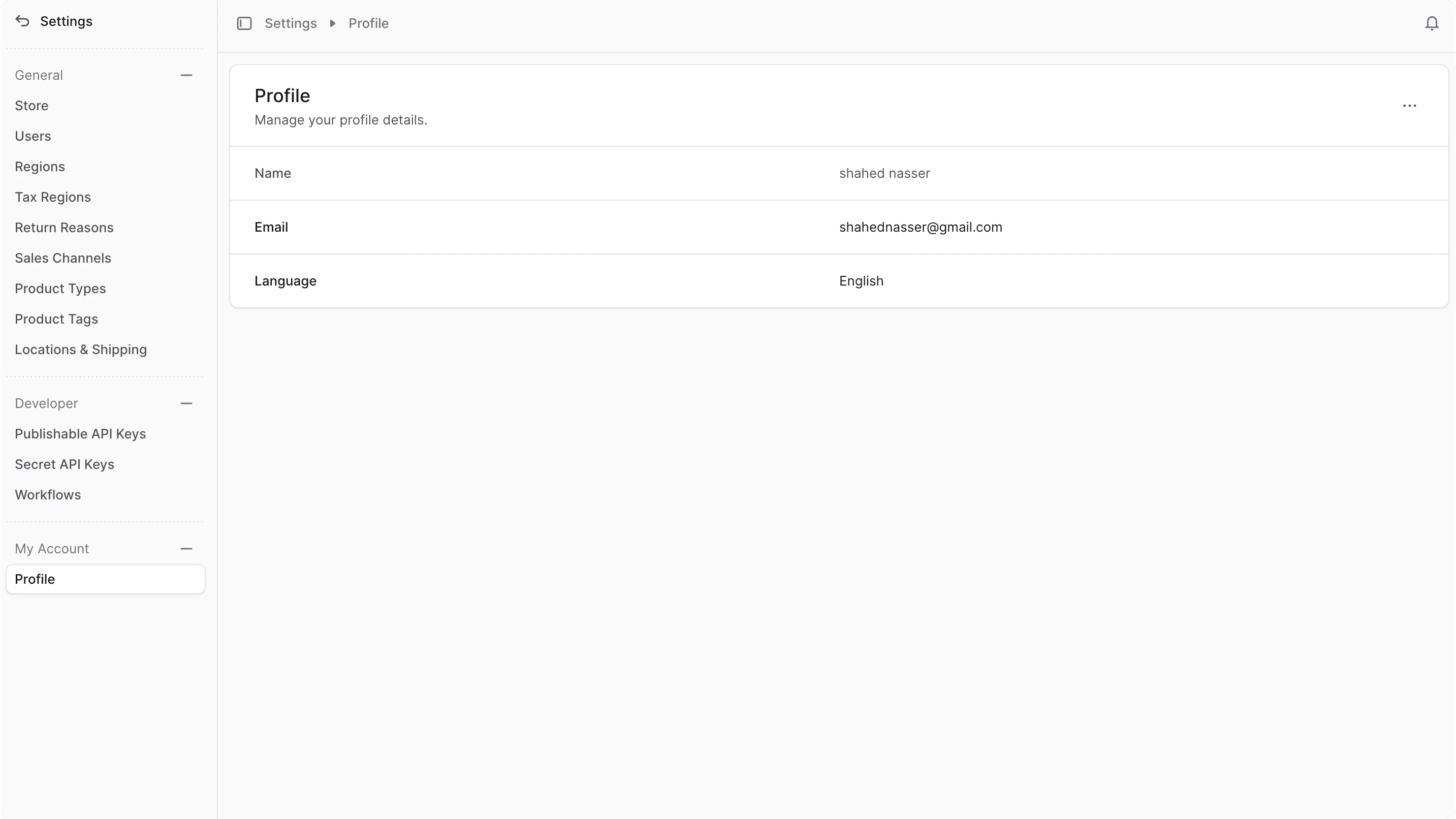
Edit Profile Details
To edit your profile details and settings:- Go to Settings → Profile.
- Click the icon at the top right of the page.
- Choose “Edit” from the dropdown.
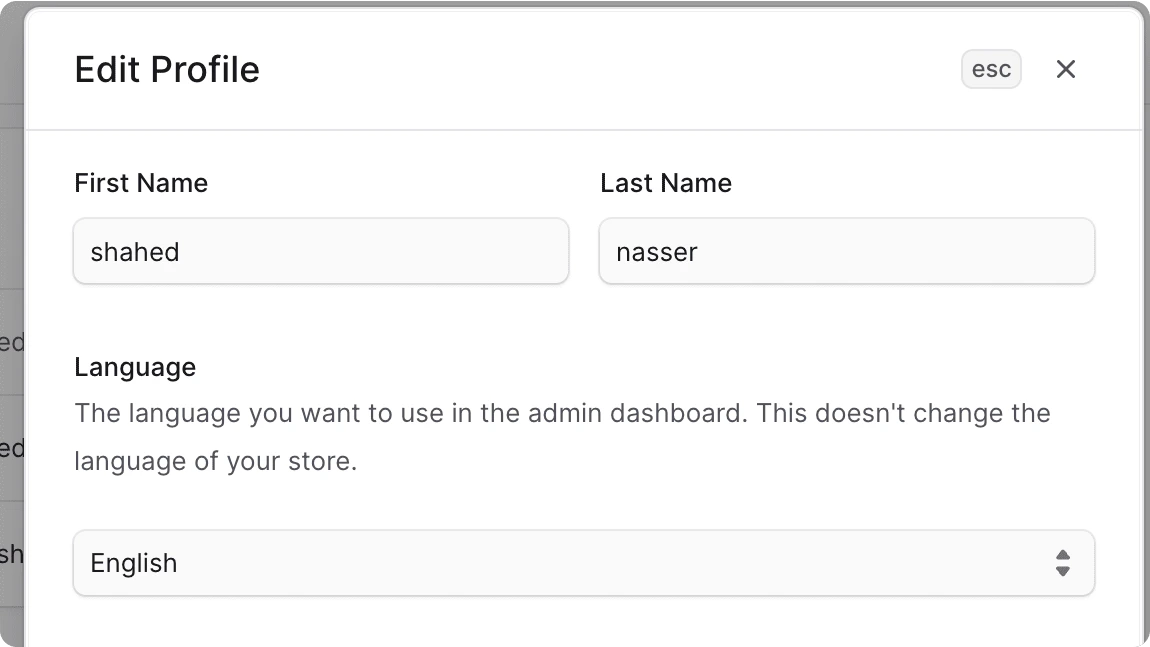
- In the side window that opens, you can edit your first and last name, and the Commert Admin dashboard language. This only changes the language of the admin interface, not the language of the store. It also doesn’t change the language for other users in the admin.
- Once you’re done, click the Save button.