In the Locations & Shipping settings, you can manage stock locations and their shipping options, and other shipping-related configurations, such as shipping profiles. A stock location:
  • Is associated with sales channels. Orders from these sales channels are fulfilled from this location.
  • Has fulfillment providers that can be used in that location. For example, you can use UPS in the United States and DHL in Europe.
  • Has shipping and pick up modes that you can add shipping options to. These are the shipping options used to fulfill items from this stock location.
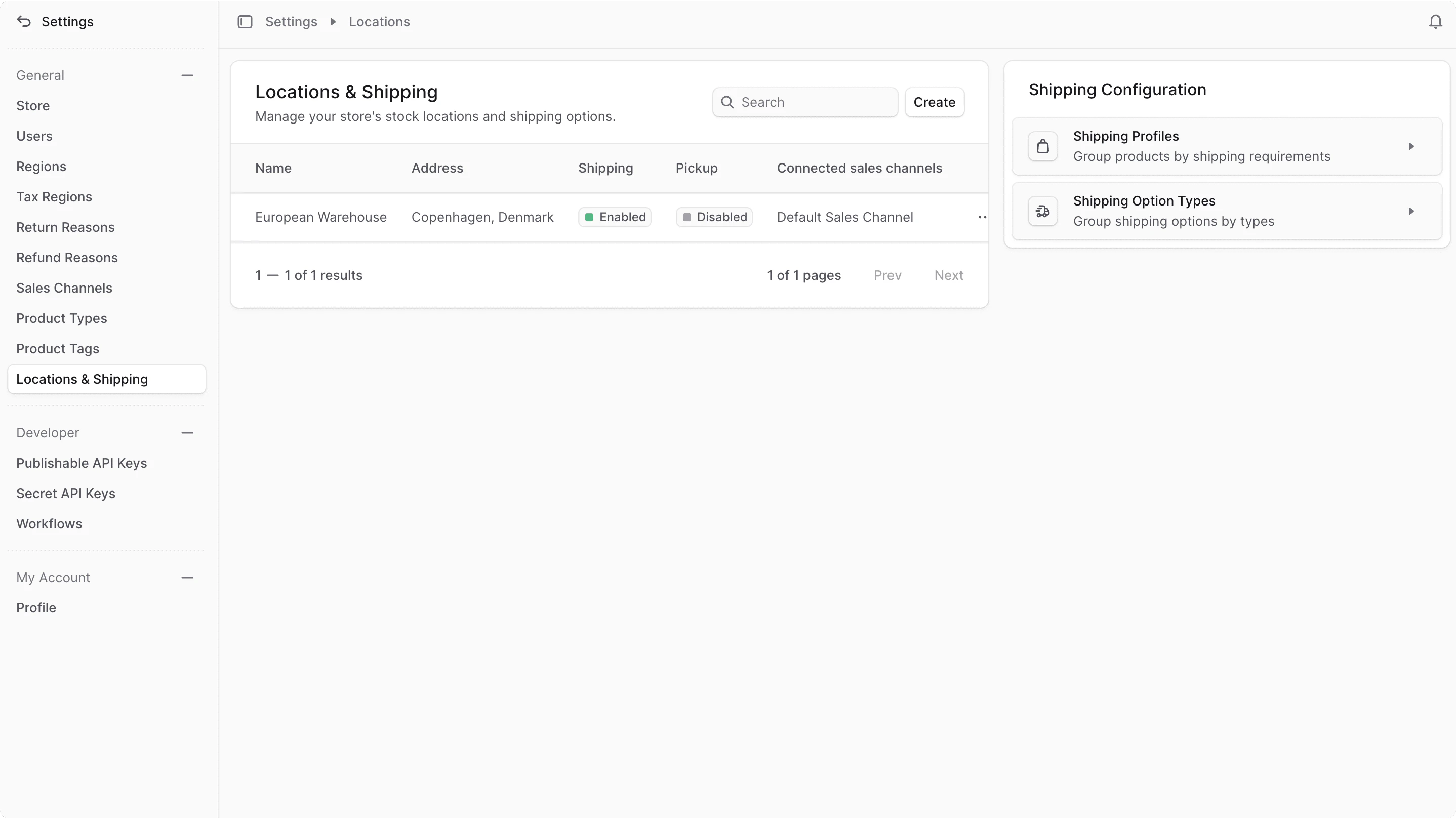
A shipping profile groups similar products that require a different way of fulfillment. For example, fragile products are fulfilled differently than normal products. You can then provide shipping options specific for products that belong to the Fragile shipping profile. A shipping option type groups shipping options with similar characteristics. For example, you can group all express shipping options together and apply a promotion to all of them at once. To view location and shipping settings, go to Settings → Locations & Shipping. Location & shipping settings

Manage Location & Shipping Settings